The embedded game is deferred until you press Play. If it stays blank, reload the frame or open the GGA source in a new tab; if it loads but cannot record, check microphone permission for gga.dev rather than desktop-game settings.
If the frame is blank or never finishes
This site does not request the third-party game on initial page load. Press Play first, then allow a moment for the GGA files to download. A strict content blocker, corporate network, or temporary upstream problem can leave the frame blank even when this page itself works.
Use the frame's Reload control once. If that does not help, open the game in a new tab. A direct tab removes iframe restrictions and makes it clearer whether gga.dev is reachable from your connection.
- Press Play and wait for the GGA menu rather than only the poster image.
- Use Reload once and check that JavaScript and third-party frames are allowed.
- Open the game in a new tab to isolate an embed-specific failure.
- Try another current browser or network if gga.dev itself does not load.
If the game loads but the microphone does not
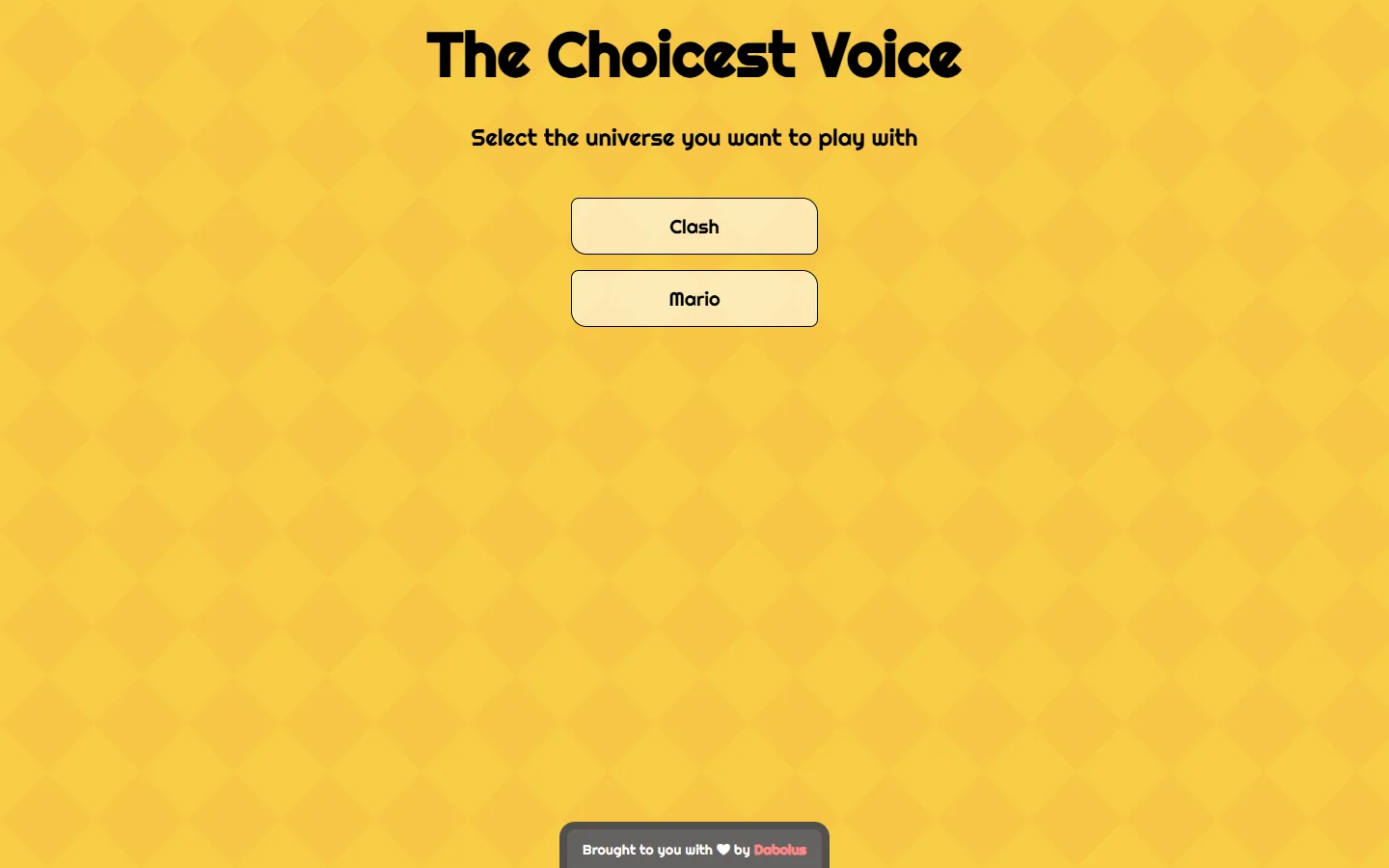
The menu can load without needing microphone access. Choose a universe and start the recording flow before expecting the browser permission prompt. When it appears, the permission belongs to gga.dev because that origin runs the embedded game.
If you previously denied access, use the browser's site-permission panel to change the microphone setting for gga.dev, then reload. On mobile, opening the game directly in a new tab can make the prompt more reliable.
| Symptom | Next action |
|---|---|
| Poster never changes | Press Play; the iframe is intentionally deferred |
| Blank frame after Play | Reload, allow frames, then open gga.dev in a new tab |
| Menu works, no mic prompt | Enter the recording flow and inspect gga.dev permission |
| Sound is muted on phone | Raise media volume and interact with Start before playback |
Know which support path applies
Browser console or permission issues in The Choicest Voice are unrelated to the downloadable Choicer Voicer's 0.5.2-dev2 microphone test. Installing a desktop development build cannot change how an iframe receives permission.
If the direct GGA page fails on multiple current browsers and networks, the upstream game may be unavailable. Use this site's guides and source links while waiting, and avoid repeated permission resets that do not address an upstream outage.
Common questions
Why does the game not load until I press Play?
The iframe is intentionally deferred to improve page speed and avoid contacting the third-party game before you choose to open it.
Which site needs microphone permission?
The embedded game runs on gga.dev, so the browser permission applies to that origin. This guide site does not record your microphone itself.
Is this the same mic bug as Choicer Voicer 0.5.1?
No. The GGA browser mini-game and YeahMaybe's desktop game are separate products with different permission and troubleshooting paths.
Sources
- The Choicest Voice browser mini-gameGGA / Dabolus
- The Choicer Voicer by YeahMaybeYeahMaybe on itch.io
- Possible mic bug fix available, please test itYeahMaybe on itch.io
Keep going
The Choicest Voice vs The Choicer Voicer
Compare The Choicest Voice browser mini-game with The Choicer Voicer download, including their creators, formats, modes, prices, and platforms.
Read guideChoicer Voicer on Mobile, Android, and iOS
Find out whether The Choicer Voicer has an official Android APK or iPhone app, what you can play in a mobile browser, and which downloads to avoid.
Read guideChoicer Voicer Microphone Not Working
Work through silent recordings, wrong input devices, Windows and Linux permissions, version-specific mic bugs, and the optional 0.5.2-dev2 test build.
Read guide