
The Choicer Voicer is a voice-performance party game: a prompt plays, you record your imitation, and a judge or chat audience reacts. Start by checking your microphone, picking a short pack, and learning one standard round before exploring custom content.
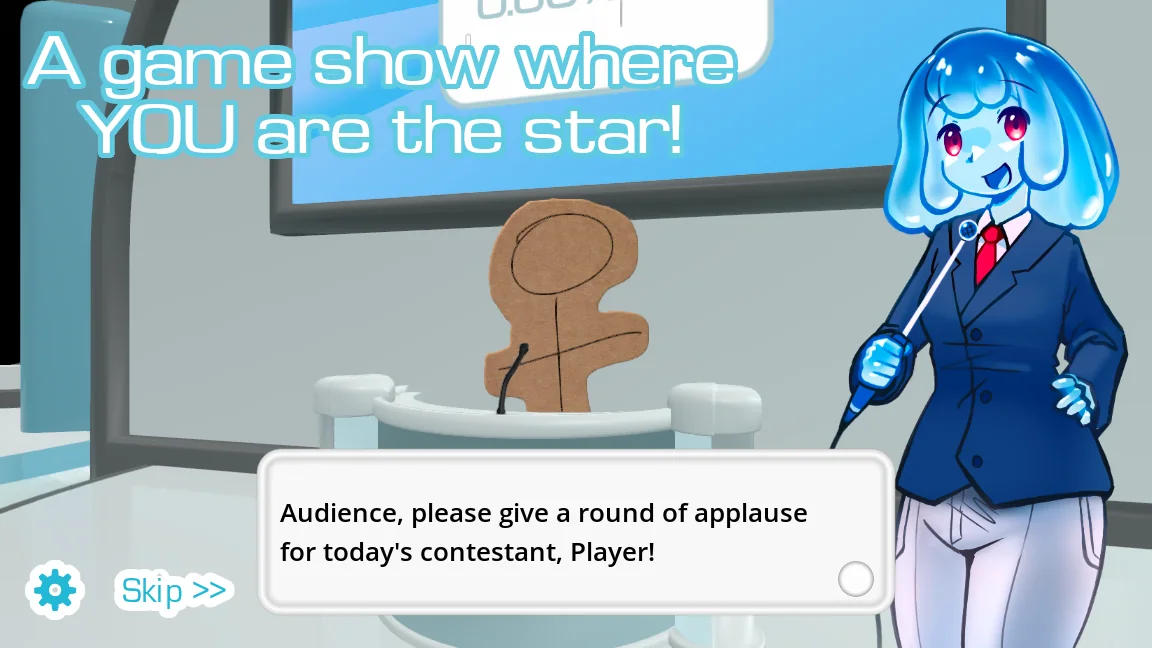
What happens in a normal round
A standard session presents a voice line from a character pack, gives the contestant a chance to listen, and then records an imitation through the selected microphone. The performance is played back inside a deliberately chaotic game-show presentation, after which a judge chooses how well it landed.
You do not need a perfect impression. The fun comes from timing, commitment, and the contrast between the source line and the attempt. Begin with one contestant and default content so that microphone setup does not compete with extra pack choices.
- Connect or select your microphone before opening a round, then make a short test recording.
- Choose a contestant and a voice pack whose source material you recognize.
- Listen to the prompt once, record your imitation, and leave a small pause at each end.
- Review the playback, accept the result, and let the judge or audience score the attempt.
Choose the right mode for your group
Most game modes can be played by one person, while local multiplayer supports up to four people sharing the same computer. The downloadable game does not currently advertise online multiplayer, so remote groups usually need screen sharing and their own voice-call arrangement rather than a built-in lobby.
Dub Mode changes the rhythm by pairing recordings with video clips. Twitch features can let chat participate through voting and chatter content. Learn the basic judged round first; then the differences between a voice pack, a contestant pack, and a dub pack will make much more sense.
| Mode | Best for | What changes |
|---|---|---|
| Standard round | First-time players | Imitate a short voice line and receive a judgment |
| Dub Mode | Groups who like video prompts | Record lines that play against a clip |
| Twitch features | Streamers with an active chat | Viewers can vote or appear through chatter packs |
Run a clean first-session checklist
Before inviting a group, connect the microphone you intend to use, close apps that can take exclusive control of it, and launch the official desktop build from a simple stereo audio setup. Pick one short voice pack whose lines you already know, then complete a solo recording and playback test before changing hosts, judges, studios, or contestants.
Keep the first session deliberately small. A familiar five-to-ten-clip pack makes it easier to spot whether a weak result comes from performance, microphone capture, playback, or pack structure. Once one standard round works from prompt to judgment, add local players or a more elaborate mode one change at a time.
Watch a practical example
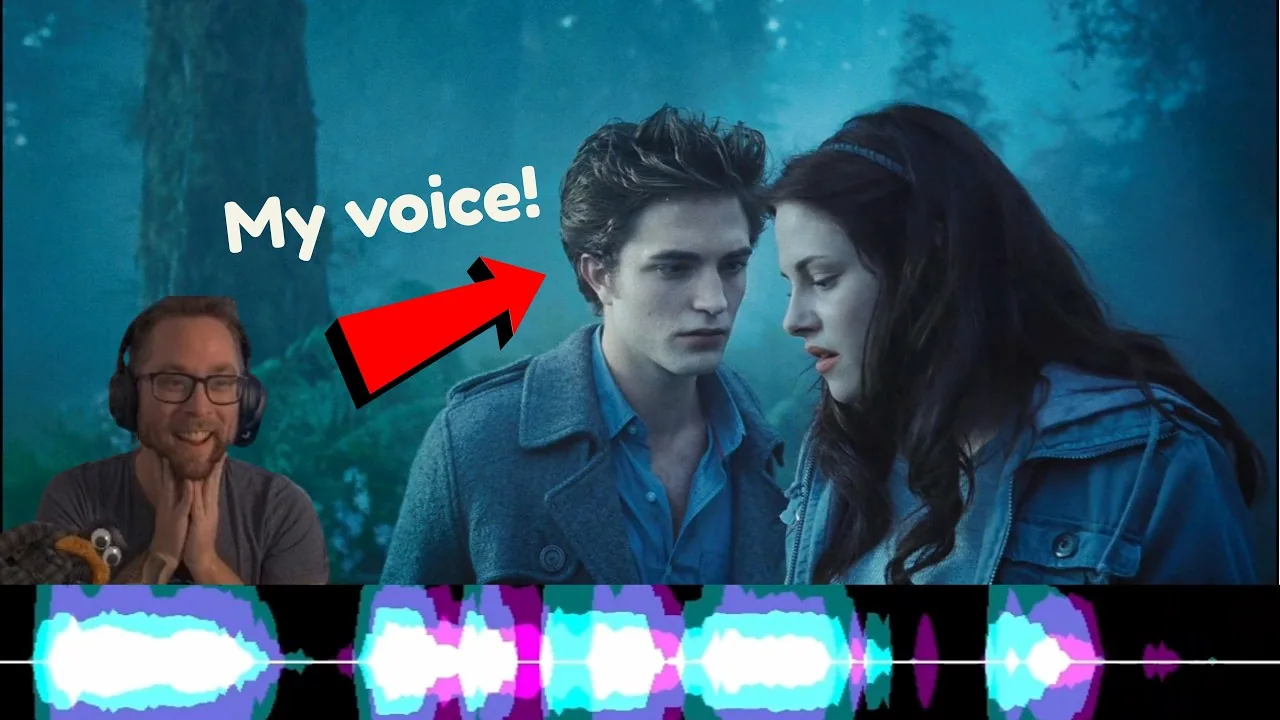
A short, current look at how player-created dub content changes a session. The player is deferred until you choose to load YouTube.
Common questions
Can I play The Choicer Voicer alone?
Yes. The official store describes most modes as playable in single-player, and local multiplayer supports up to four people when you want to pass the microphone around.
Do I need a microphone to play?
A microphone is central to recording impressions. A headset mic, USB mic, or working built-in mic can all be suitable if the game can select and play back that input.
Which mode should a beginner choose?
Start with a standard single-player round and a short familiar voice pack. Move to local multiplayer, Dub Mode, or Twitch features only after recording and playback work reliably.
Sources
- The Choicer Voicer by YeahMaybeYeahMaybe on itch.io
- The Choicer Voicer official guide siteYeahMaybe
Keep going
The Choicer Voicer Demo and Microphone Test
Use the official Choicer Voicer No Gameplay Demo to check recording and playback, then test the recommended 0.5.3 build with the same audio route.
Read guideChoicer Voicer Microphone Not Working
Fix silent recordings, wrong input devices, Windows and Linux permissions, and version-specific mic problems using the demo and current official files.
Read guideChoicer Voicer Multiplayer: Local and Online Play
Choicer Voicer supports 1-4 local players on one computer, while most modes also work solo. There is currently no built-in online multiplayer lobby.
Read guide