
Yes, Choicer Voicer is multiplayer: the official game supports one to four local players sharing one computer. It does not currently include online multiplayer or matchmaking, so remote groups need screen sharing and a separate voice call.
Trusted starting points
Open the official and community resources used for this answer.
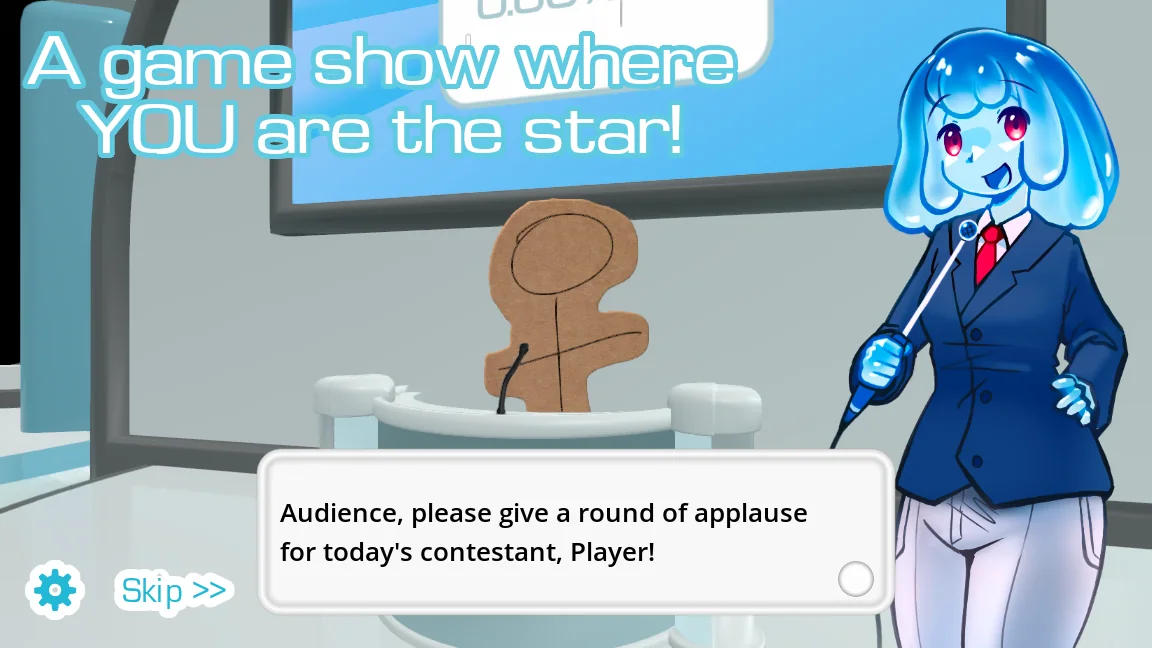
Choicer Voicer supports 1-4 local players
A local group can share the same computer and microphone, taking turns as the game presents prompts and recordings. Up to four players can participate according to the official store. A single USB microphone in the center of the room is simple, while a headset is quieter but needs to be passed between players.
Before the first scored round, set a consistent mouth-to-mic distance and recording level. That prevents a quiet player from being judged against a loud player simply because the input changed.
- Connect one microphone and confirm that the selected input produces clean playback.
- Add the participating contestants and agree on a simple turn order.
- Choose a pack everyone recognizes so that the first round tests the setup, not trivia knowledge.
- Keep each recording short and avoid touching the microphone while passing it.
What single-player offers
Most modes can run with one person, making solo play useful for exploring packs, practicing impressions, and checking microphone behavior. The game's presentation and judges can still turn a private recording session into a structured performance.
Solo testing is also the fastest way to isolate a bad custom pack. If the default content works alone and a session fails only after a new pack is enabled, the problem is more likely in that add-on than in multiplayer setup.
Remote play is a workaround, not a built-in mode
The official page does not advertise online multiplayer or matchmaking. A remote group can use screen sharing, a voice call, and one person running the game, but audio can echo when the call captures both the participant and the game's playback.
Use headphones, mute the call during prompt playback when necessary, and let the host control the game. Do not describe that arrangement as native online multiplayer: save files, microphone input, and controls still live on the host computer.
| Setup | Advantages | Limitations |
|---|---|---|
| One computer in a room | Supported local flow and low latency | Players share hardware |
| Solo | Easy pack and microphone testing | No live group reactions |
| Screen-share workaround | Friends can watch remotely | Echo, latency, and host-only controls |
Common questions
Is Choicer Voicer multiplayer?
Yes, it supports one to four local players according to the official store, and most modes can also be played alone.
Can I play Choicer Voicer online with friends?
There is no built-in online lobby currently listed. Screen sharing and a separate call can approximate a remote session, but the game still runs on one host computer.
Does every player need a microphone?
No. A local group can share one suitable microphone, although you should keep input distance and gain consistent as players take turns.
Sources
- The Choicer Voicer by YeahMaybeYeahMaybe on itch.io
- The Choicer Voicer official guide siteYeahMaybe
Keep going
How to Play The Choicer Voicer
Learn the basic Choicer Voicer round, microphone flow, judging, local player setup, and the fastest way to start without spoiling the joke.
Read guideChoicer Voicer Microphone Not Working
Fix silent recordings, wrong input devices, Windows and Linux permissions, and version-specific mic problems using the demo and current official files.
Read guideChoicer Voicer Twitch Chat Mode Guide
Prepare Choicer Voicer for Twitch chat participation, including voting, chatter packs, moderation, stream delay, audio checks, and a safe rehearsal.
Read guide