
The game supports Twitch-oriented participation such as chat voting and chatter content. Rehearse privately, use only the access method documented by the game, set moderation rules, and expect stream delay to affect how quickly votes arrive.
What Twitch participation adds
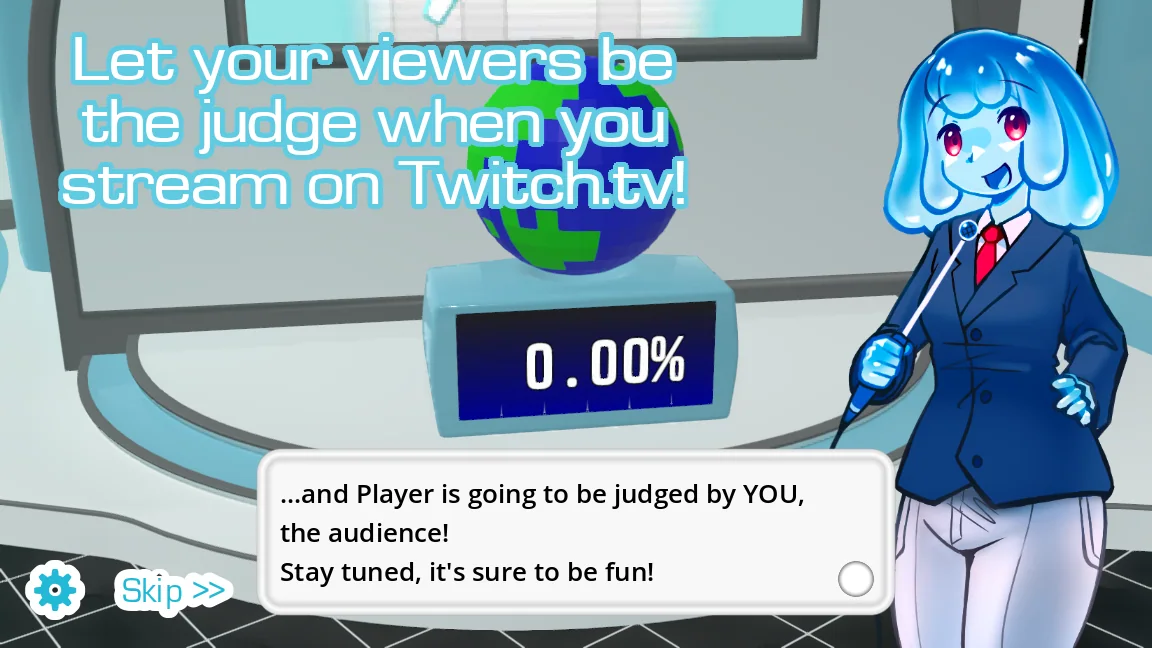
Twitch features can turn viewers into an audience that reacts or votes instead of only watching the local player's recording. Chatter packs can shape how chat participation appears inside the show's presentation.
This does not turn the game into online multiplayer with remote contestant controls. The streamer still runs the local game, microphone, content files, and broadcast; chat contributes through the supported audience flow.
| Role | Controls |
|---|---|
| Streamer or host | Game session, microphone, pack selection, and broadcast |
| Local contestant | Recorded performance |
| Twitch audience | Supported chat responses or voting |
| Moderators | Chat rules, spam control, and safety response |
Rehearse the full stream chain privately
Run an unlisted or private test with a moderator before the public session. Confirm that the game receives the intended microphone, the stream receives game and voice audio, chat messages reach the supported integration, and no secret or access credential appears on screen.
Stream delay means votes may arrive after the host expects them. Build a visible wait period into each audience step instead of repeatedly reconnecting a working integration.
- Read the current in-game or official setup instructions before connecting a channel.
- Use the minimum account access required and keep credentials out of captures and pack files.
- Test audio, one chat response, one vote, and one complete round with a moderator.
- Set a clear voting window that accounts for the stream's measured delay.
- Prepare a local fallback judge in case the platform or chat connection drops.
Moderate the show, not only the chat box
Custom voice and chatter content can expose a broadcast to language, spoilers, flashing media, or uncredited assets. Review every active pack before going live and write chat rules that cover voting manipulation, spam, harassment, and requests for prohibited impressions.
Keep moderators informed about the game's current state and the expected command or vote format. If the integration fails, continue with local judging rather than showing private settings or debugging account access on stream.
Common questions
Does Choicer Voicer work with Twitch chat?
The official store describes Twitch integration and chat voting, with chatter content supporting the audience presentation. Follow the game's current setup flow for connection details.
Is Twitch mode the same as online multiplayer?
No. Chat can participate through supported audience features, but the host still runs the local game and contestants do not join through a built-in remote lobby.
What if chat voting disconnects mid-round?
Prepare a local judge or host decision as a fallback. Do not expose credentials or private settings while attempting live troubleshooting.
Sources
- The Choicer Voicer by YeahMaybeYeahMaybe on itch.io
- Chatter Content PacksYeahMaybe
- The Choicer Voicer official guide siteYeahMaybe
Keep going
Choicer Voicer Multiplayer: Local and Online Play
Choicer Voicer supports 1-4 local players on one computer, while most modes also work solo. There is currently no built-in online multiplayer lobby.
Read guideChoicer Voicer Judge Packs and Show Packs
Learn what judge, contestant, studio, and chatter packs change, when each belongs in a setup, and how to test presentation packs without conflicts.
Read guideHow to Customize The Choicer Voicer
Plan a cohesive Choicer Voicer setup by combining contestant, voice, judge, studio, chatter, and dub packs without turning the install into a conflict.
Read guide