
Customization works best as a small, intentional show package. Pick a contestant, voice material, judge, and studio that fit one theme, test that combination, then add chatter or dub content only when the mode needs it.
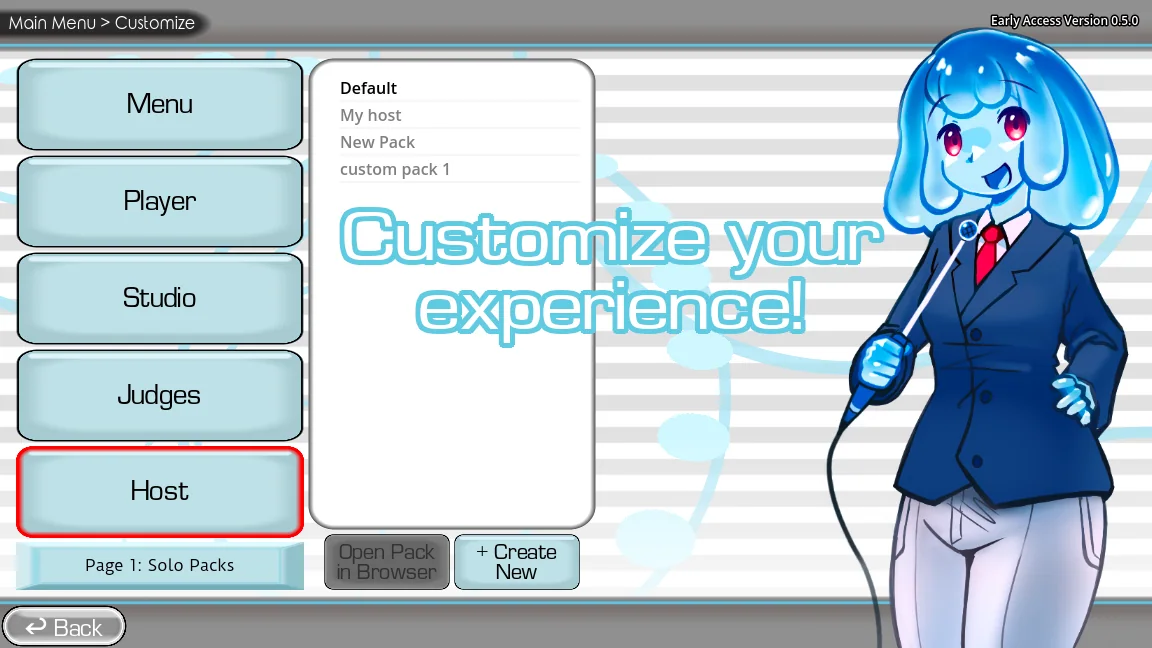
Think in layers instead of one giant mod
The Choicer Voicer separates source prompts, contestants, judges, studios, chat presentation, and dub videos into different content types. That modular design lets you mix a familiar voice set with a new stage or judge without replacing everything.
Begin with a simple theme and one pack per relevant layer. A coherent show is easier for players to understand and easier for you to repair than a random library where similarly named assets came from unknown archives.
| Layer | Question it answers |
|---|---|
| Voice | What line will the player imitate? |
| Contestant | Who appears as the performer? |
| Judge | Who reacts to or evaluates the attempt? |
| Studio | Where is the game show presented? |
| Chatter | How is stream chat represented? |
| Dub | Which video clip receives new dialogue? |
Create a stable themed preset
Install and test each chosen layer separately before combining them. Keep a text inventory of pack names, authors, source URLs, and versions. If the game offers a preset or selection screen, use it instead of physically merging folders.
Balance variety with round length. A smaller voice set and a clearly readable studio often produce a better party session than every available pack enabled at once.
- Choose one theme and decide whether the session is standard, Twitch-oriented, or Dub Mode.
- Select only the pack types required by that mode and record each source.
- Test every pack alone, then enable the complete combination for one short round.
- Save the working list and copy the custom-content folder before future changes.
Keep performance, credits, and updates manageable
Large collections increase menu clutter, load work, duplicated names, and the chance that an old metadata field conflicts with a new build. Archive packs you are not using instead of leaving every download active.
Keep credits visible in your inventory and stream description when appropriate. After a game update, retest the themed preset using default content first, then add its layers back one at a time.
Watch a practical example
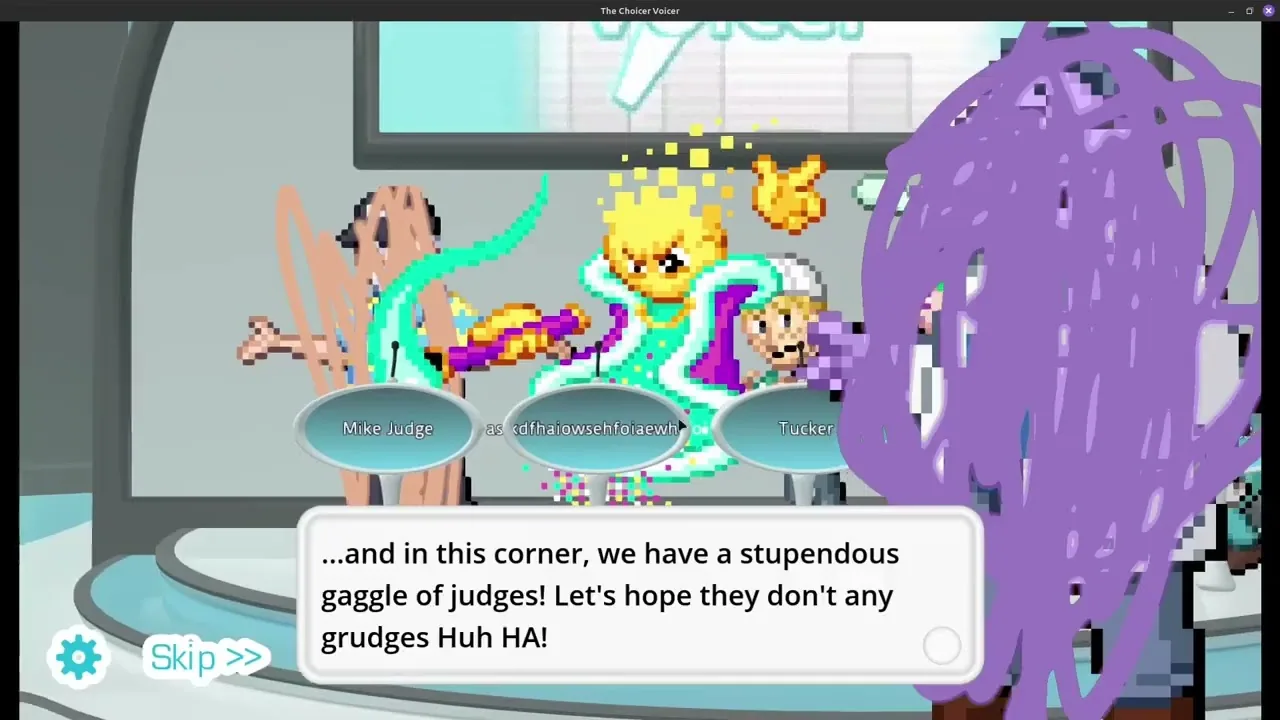
A visual walkthrough of host, judge, menu, player, studio, and voice pack creation. The player is deferred until you choose to load YouTube.
Common questions
What can I customize in Choicer Voicer?
Official guides cover voice, contestant, judge, studio, chatter, and dub content packs, letting a session change prompts, performers, presentation, stream chat, and videos.
Can I combine packs from different creators?
Usually separate pack types can be selected together, but test compatibility, preserve each creator's credits, and do not redistribute a merged archive without permission.
Sources
- The Choicer Voicer official guide siteYeahMaybe
- Contestant Content PacksYeahMaybe
- Judge Content PacksYeahMaybe
- Studio Content PacksYeahMaybe
- Chatter Content PacksYeahMaybe
- Dub Content PacksYeahMaybe
Keep going
Choicer Voicer Packs: Voice Packs and Dub Packs
Find Choicer Voicer voice packs and dub packs from official and community sources, compare pack types, and install downloads without overwriting your game.
Read guideChoicer Voicer Judge Packs and Show Packs
Learn what judge, contestant, studio, and chatter packs change, when each belongs in a setup, and how to test presentation packs without conflicts.
Read guideChoicer Voicer Dub Mode: How to Play and Find Dub Packs
Learn how Choicer Voicer Dub Mode works in version 0.5+, where dub packs belong, what files they require, and where to find packs for a smooth session.
Read guide