
Judge packs control who reacts to performances, while contestant and studio packs change other parts of the show's presentation. Chatter packs support Twitch-oriented sessions. Install each according to its own official format page.
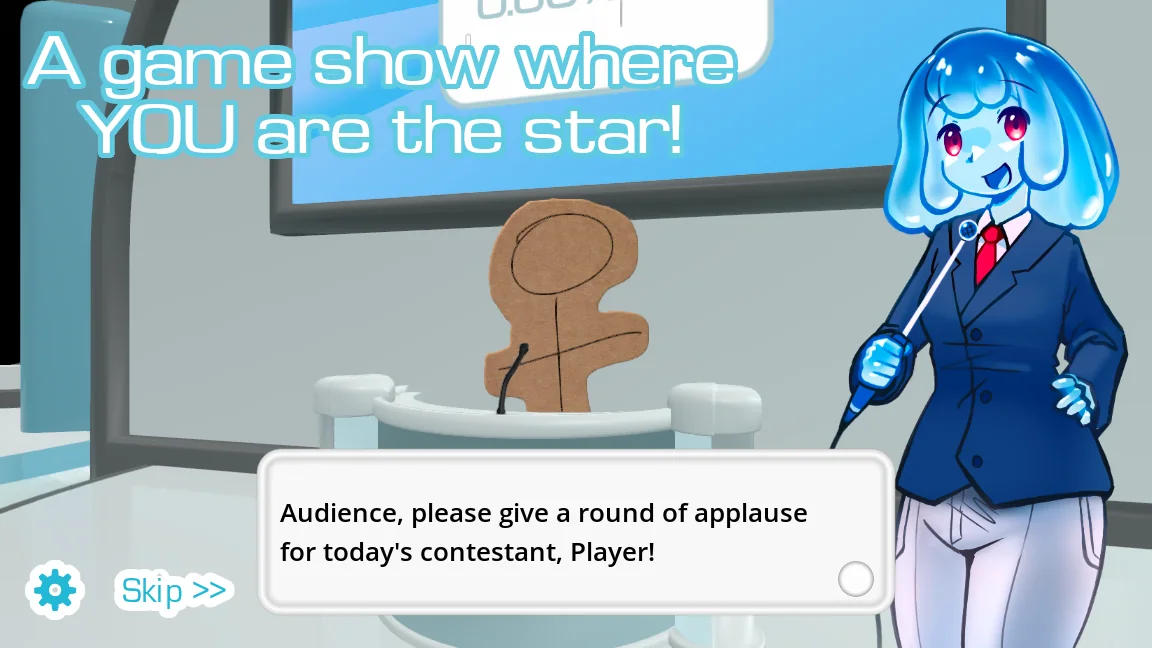
Know what each presentation pack controls
A judge pack is not another set of voice prompts. It supplies the judge-side content that reacts to attempts. Contestant packs affect performer presentation, studio packs change the surrounding show environment, and chatter packs support the way Twitch chat appears in stream-oriented play.
The official guide gives each type its own page because their files and metadata serve different roles. Place a pack under its intended category instead of renaming it to force it into another menu.
| Pack | Changes | Good first test |
|---|---|---|
| Judge | Judgment personality and reactions | Run one standard recorded prompt |
| Contestant | Player or performer presentation | Select the contestant and enter a round |
| Studio | Background show environment | Load the stage and inspect layout |
| Chatter | Twitch chat presentation | Use the supported streaming flow with a test audience |
Match packs without losing clarity
Choose a judge whose tone fits the prompt set and a studio whose graphics keep important text readable. A funny mismatch can be intentional, but random combinations can bury the recording controls or make a session feel incoherent.
Test presentation at the resolution and window size you will actually use. This matters for streams, where overlays and chat can compete with the game's studio layout.
- Install one presentation pack using its specific official format guide.
- Select it with default voice content and complete one short round.
- Add the next layer only after controls, text, sound, and reactions work.
- Record every creator and source so the final show can credit them correctly.
Troubleshoot a mismatched show setup
If a judge appears but reactions are missing, test the same judge against default content and check its expected game version. If a studio hides controls or renders poorly, return to the default studio before changing voice or microphone settings.
Keep each presentation layer removable. A backup and a written preset let you recover the working show without reinstalling the whole game or losing unrelated voice packs.
Common questions
What does a Choicer Voicer judge pack do?
It changes the judge-side personality and reaction content around a performance. It does not replace the voice prompts the player imitates.
Are studio and contestant packs installed like voice packs?
They are all custom content, but each type has its own official documentation and metadata role. Follow the guide for the exact category rather than assuming identical structure.
Sources
- Judge Content PacksYeahMaybe
- Contestant Content PacksYeahMaybe
- Studio Content PacksYeahMaybe
- Chatter Content PacksYeahMaybe
- The Choicer Voicer official guide siteYeahMaybe
Keep going
How to Customize The Choicer Voicer
Plan a cohesive Choicer Voicer setup by combining contestant, voice, judge, studio, chatter, and dub packs without turning the install into a conflict.
Read guideChoicer Voicer Packs: Voice Packs and Dub Packs
Find Choicer Voicer voice packs and dub packs from official and community sources, compare pack types, and install downloads without overwriting your game.
Read guideChoicer Voicer Twitch Chat Mode Guide
Prepare Choicer Voicer for Twitch chat participation, including voting, chatter packs, moderation, stream delay, audio checks, and a safe rehearsal.
Read guide