
A useful voice pack needs more than a folder of clips. Curate short recognizable prompts, edit consistent audio, follow the current official metadata structure, test every entry, and include credits plus any content warnings.
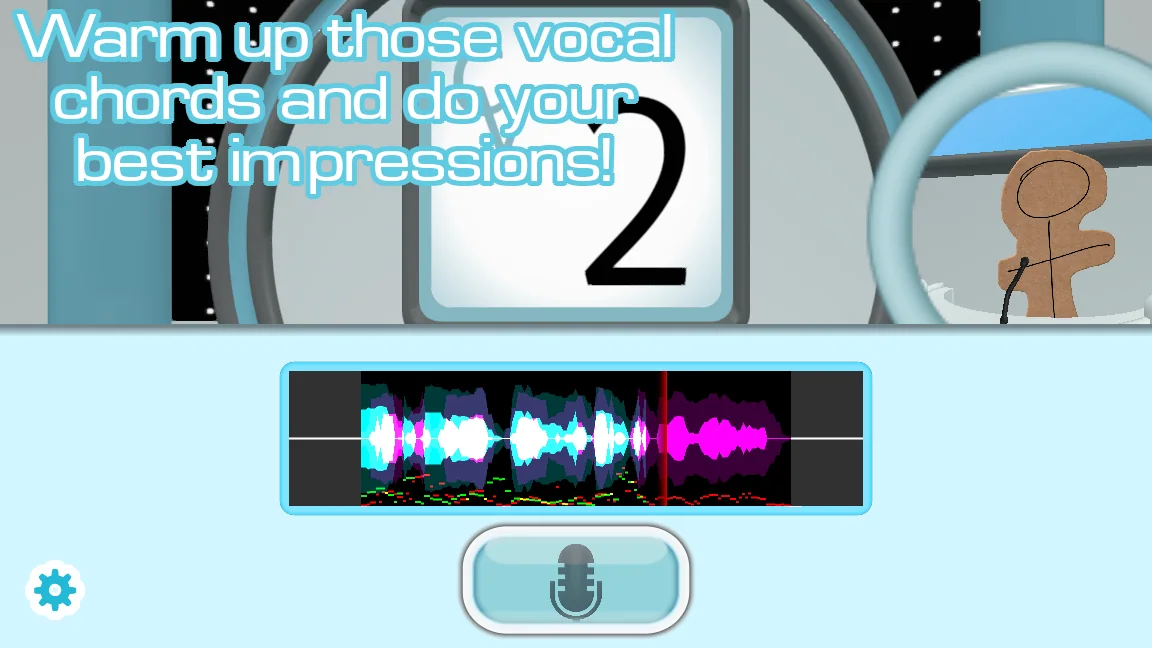
Choose a theme and source responsibly
Define a narrow theme that gives players a recognizable performance target. Ten polished clips from one character or show can be more playable than a hundred lines with uneven volume and no context. Keep a source log while collecting material so you can credit where each clip came from.
Only distribute audio you created or have permission to share. A pack format being supported by the game does not grant rights to copyrighted recordings, character art, music, or logos. When distribution rights are unclear, keep the project private or use original performances.
Prepare clear, consistent prompt audio
Trim dead air without cutting the first consonant or final word. Normalize clips to a consistent perceived level, remove avoidable background noise, and keep music low enough that the voice remains easy to imitate. Extremely long speeches slow the round and make comparison difficult.
Use the audio format and filename rules in YeahMaybe's current voice-pack guide. Older tutorials can demonstrate editing technique, but the official documentation should decide current folder names and metadata fields.
- Select a small set of short, recognizable, and legally shareable source lines.
- Trim and level each clip while preserving natural starts and endings.
- Create the current metadata and folder structure from the official guide.
- Add descriptive names, credits, source notes, and content warnings where needed.
- Test every prompt in a clean copy of the current stable game.
Test like someone who did not make the pack
A creator already knows what each file is supposed to contain, so recruit another player for the final test. Watch for unclear names, volume jumps, missing prompts, slow loading, and clips that make sense only with hidden context.
Package one top-level folder with a readme, version note, authorship, and install instructions. Publish a checksum if your host supports it, and keep an unmodified release archive so later bug reports refer to the same files.
| Test | Pass condition |
|---|---|
| Discovery | The pack appears under the intended content category |
| Prompt playback | Every line is audible and consistently leveled |
| Recording round | The player can hear, imitate, and review without errors |
| Fresh install | A second person can follow the readme without private instructions |
Watch a practical example
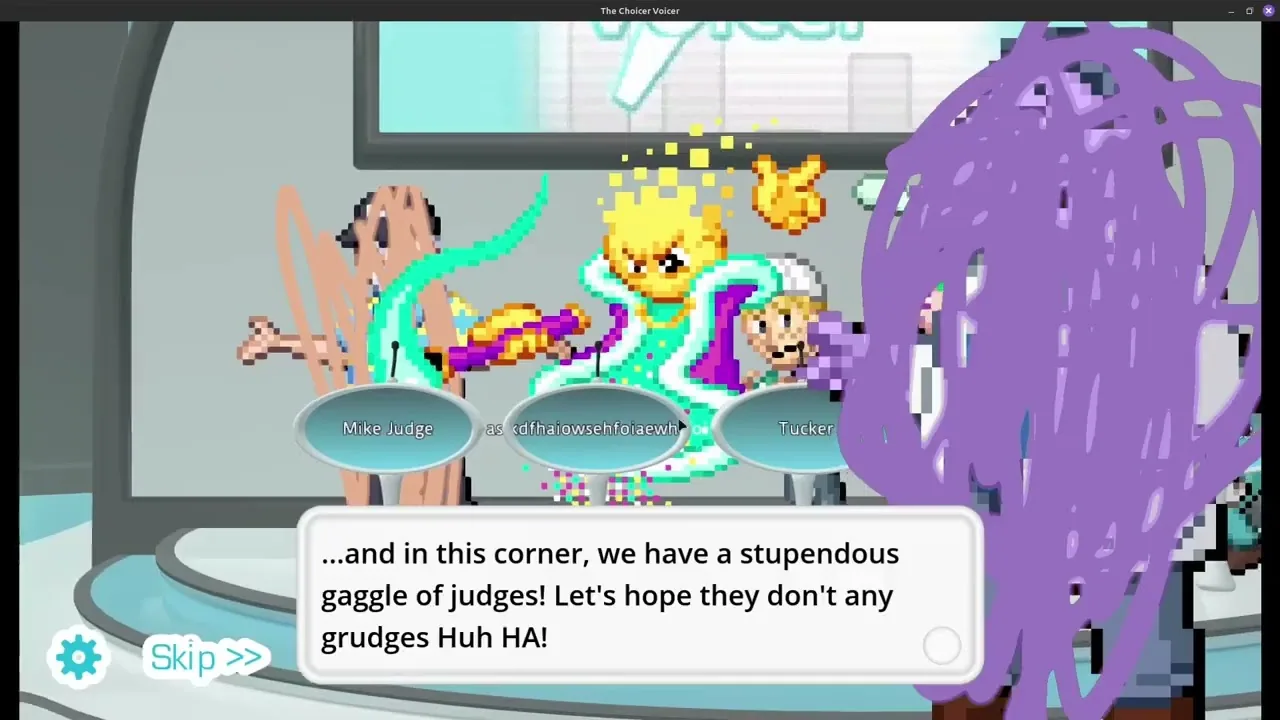
A visual walkthrough of host, judge, menu, player, studio, and voice pack creation. The player is deferred until you choose to load YouTube.
Common questions
What files does a Choicer Voicer voice pack need?
The current official guide defines the required media, folders, and metadata. Use that page as the format authority because fields may change between game versions.
Can I use clips from any movie or game?
Not automatically. You need appropriate rights or permission to distribute recordings and artwork. Original, licensed, or clearly permitted media is the safer public-release route.
Sources
- Voice Pack GuideYeahMaybe
- Choicer Voicer - How To Make PacksKassidy Phantom on YouTube
- The Choicer Voicer official guide siteYeahMaybe
Keep going
Choicer Voicer Packs: Voice Packs and Dub Packs
Find Choicer Voicer voice packs and dub packs from official and community sources, compare pack types, and install downloads without overwriting your game.
Read guideHow to Install Choicer Voicer Voice Packs
Install Choicer Voicer packs with a reversible workflow: inspect archives, keep pack folders intact, test one at a time, and diagnose missing content.
Read guideHow to Customize The Choicer Voicer
Plan a cohesive Choicer Voicer setup by combining contestant, voice, judge, studio, chatter, and dub packs without turning the install into a conflict.
Read guide